
This procedure applies to Staff obtaining a Loan Exam Laptop and applies for the full duration of the exam laptop loan.
SAVING THE DOCUMENT.
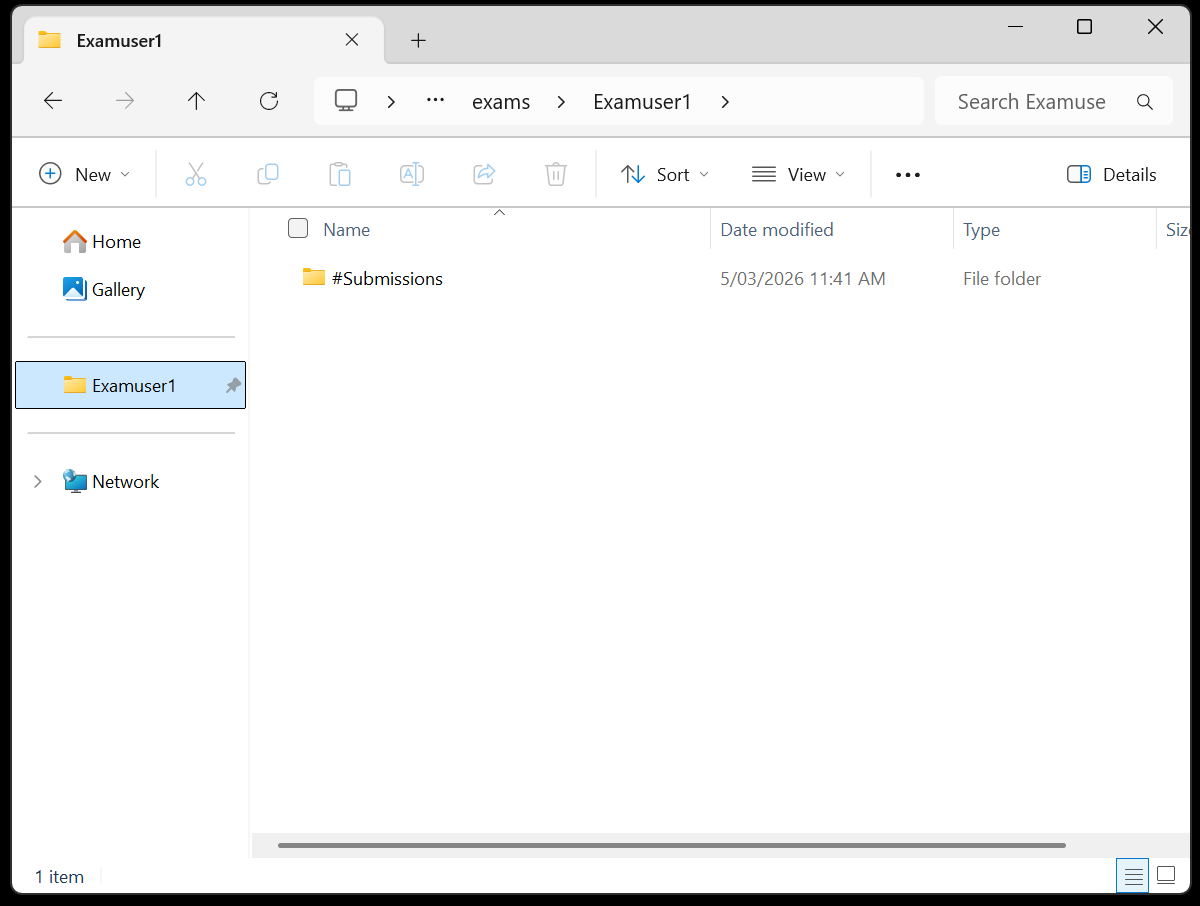
After the student has completed the Exam please make sure the student has saved their document in the ExamUser folder
which may look like ExamUser1 , ExamUser2, etc.
Example:
RETRIEVING THE SAVED DOCUMENT.
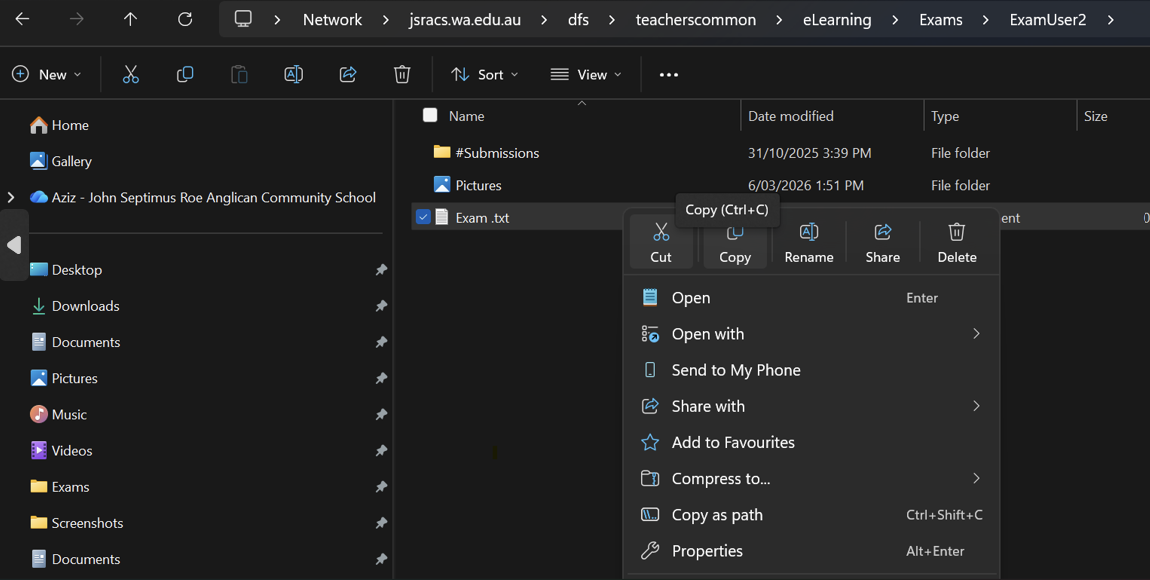
Open File Explorer and open the ExamUser that the student was assigned. - link to the Exam Users below.
Once open - Either open the Document and Print or Copy it to another location for yourself.
\\jsracs.wa.edu.au\dfs\teacherscommon\eLearning\Exams
Example:
Support and Escalation
For technical issues or access problems please contact the ICT Helpdesk.